

AR viewer for react native that uses SceneView (ARCore) on Android and ARKit on iOS
- React Native 0.80 or later with the New Architecture (enabled by default since 0.76, mandatory since 0.82)
- Android:
minSdkVersion24 andcompileSdkVersion36 - iOS: an ARKit compatible device
Upgrading from 0.1.x? See the upgrade guide.
npm install react-native-ar-viewerRequired AR features:
- Add
com.google.ar.coremeta data to yourAndroidManifest.xmlas follows:
<manifest xmlns:android="http://schemas.android.com/apk/res/android" xmlns:tools="http://schemas.android.com/tools">
  ...
  <application>
    ...
    <meta-data android:name="com.google.ar.core" android:value="required" tools:replace="android:value" />
  </application>
  ...
</manifest>- Check that your
<manifest>tag containsxmlns:tools="http://schemas.android.com/tools"attribute.
-
Run
pod installin youriosfolder. -
Remember to add
NSCameraUsageDescriptionentry in your Info.plist with a text explaining why you request camera permission. -
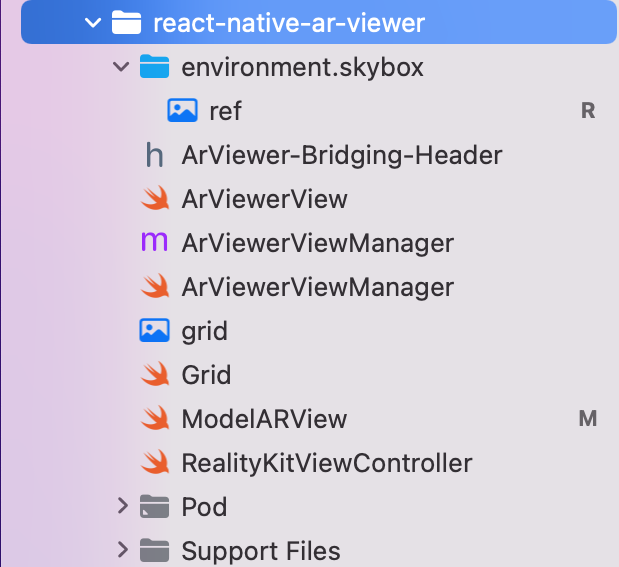
In XCode file tree, go to Pods > Development pods > react-native-ar-viewer, right-click on "Add Files to Pods"... Then select the environment.skybox folder in your node_modules/react-native-ar-viewer/ios folder. In add file window, check "react-native-ar-viewer-ARViewerBundle". It should appear with a blue icon on the file tree. Check if res.hdr is present inside, if not, add it manually. It should look like that:
The viewer only supports USDZ files for iOS and GLB for Android. Other formats may work, but are not officialy supported.
You should download your model locally using for example React Native File System in order to run the viewer on iOS. Android also supports https:// URLs.
import { ArViewerView } from "react-native-ar-viewer";
import { Platform } from 'react-native';
// ...

<ArViewerView
    style={{flex: 1}}
    model={Platform.OS === 'android' ? 'dice.glb' : 'dice.usdz'}
    lightEstimation
    manageDepth
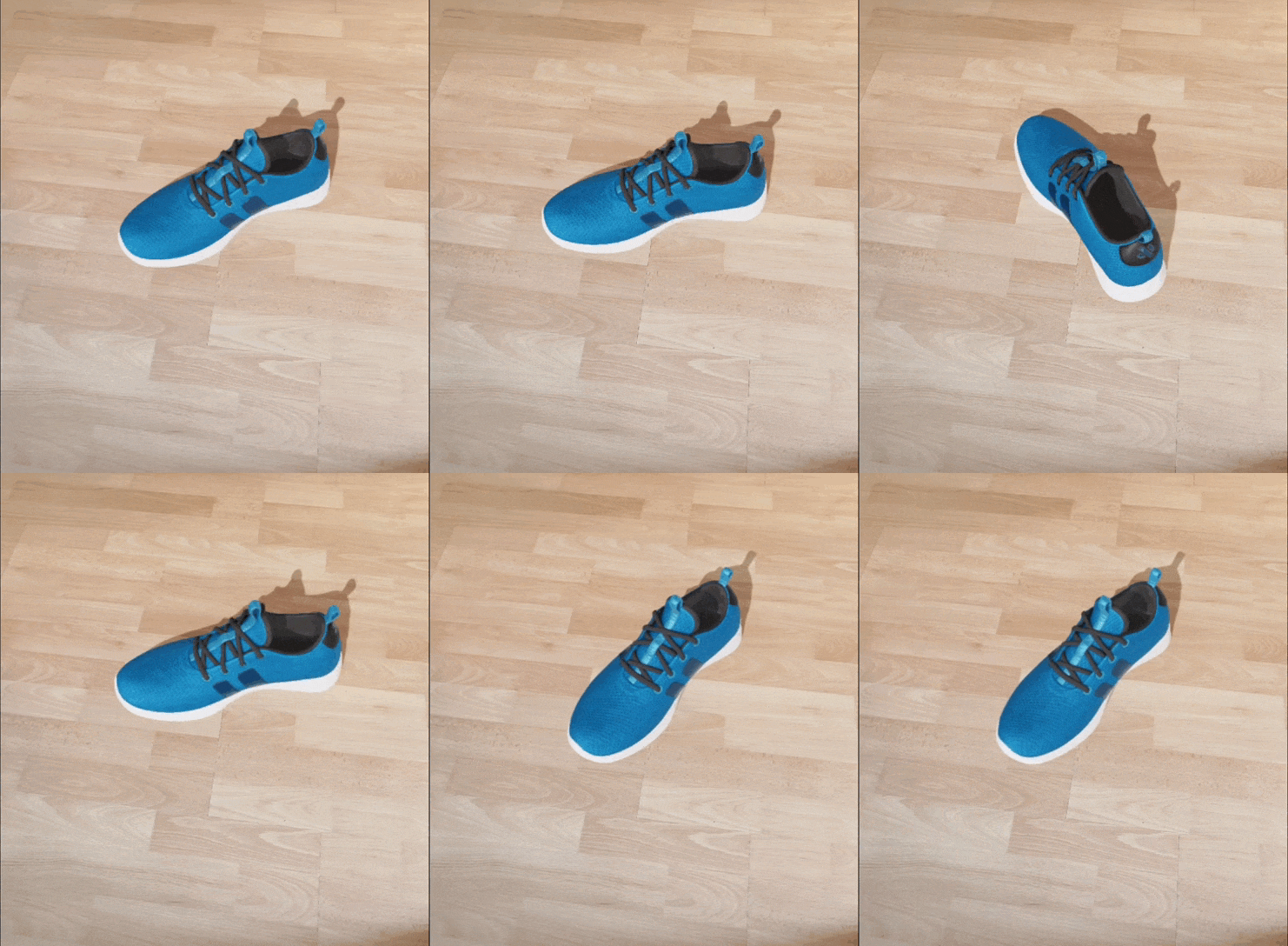
    allowRotate
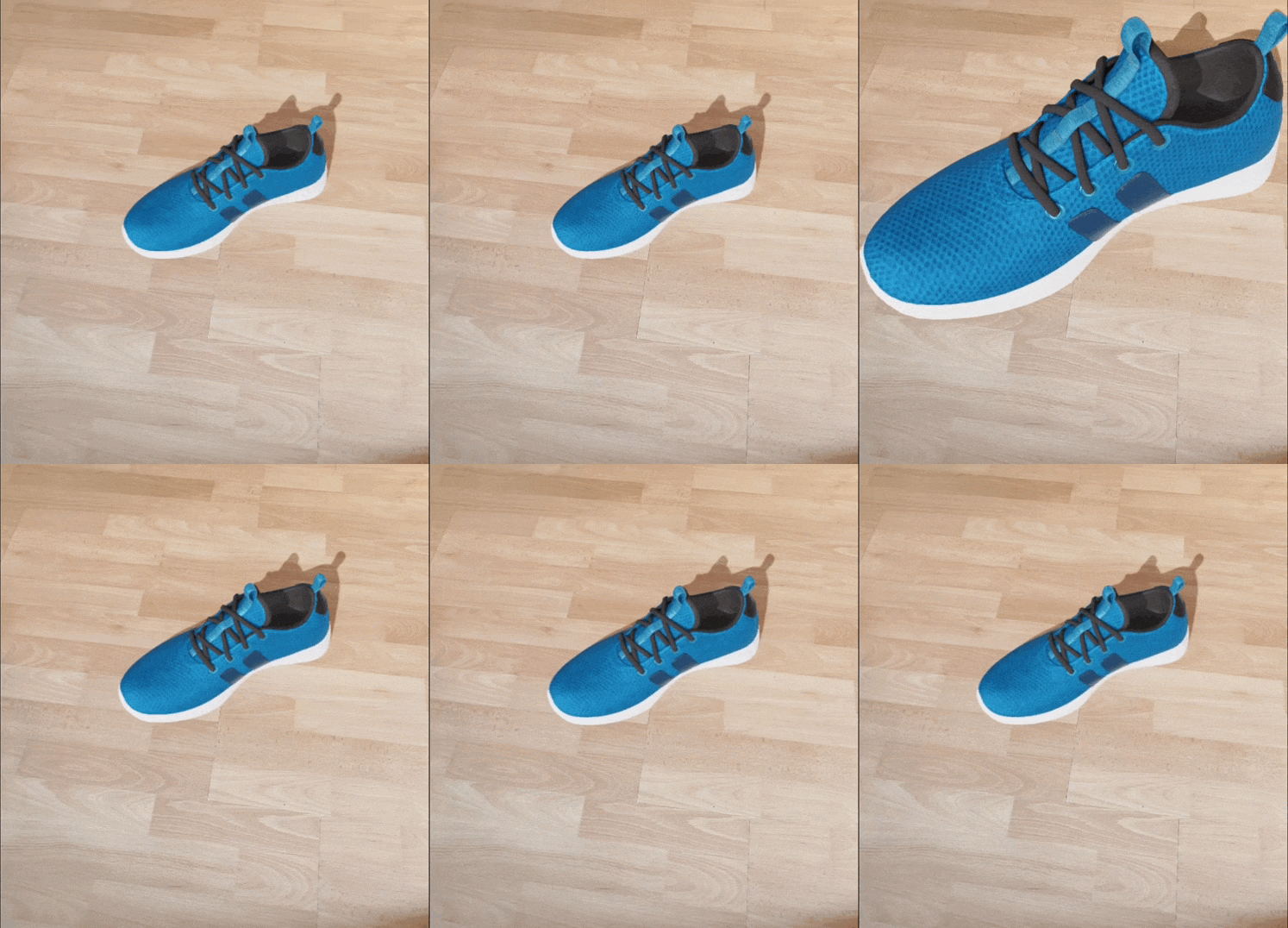
    allowScale
    allowTranslate
    disableInstantPlacement
    onStarted={() => console.log('started')}
    onEnded={() => console.log('ended')}
    onModelPlaced={() => console.log('model displayed')}
    onModelRemoved={() => console.log('model not visible anymore')}
planeOrientation="both" />| Prop | Type | Description | Required |
|---|---|---|---|
model |
string |
Local path of the model to display (Android also accepts URLs) | Yes |
lightEstimation |
bool |
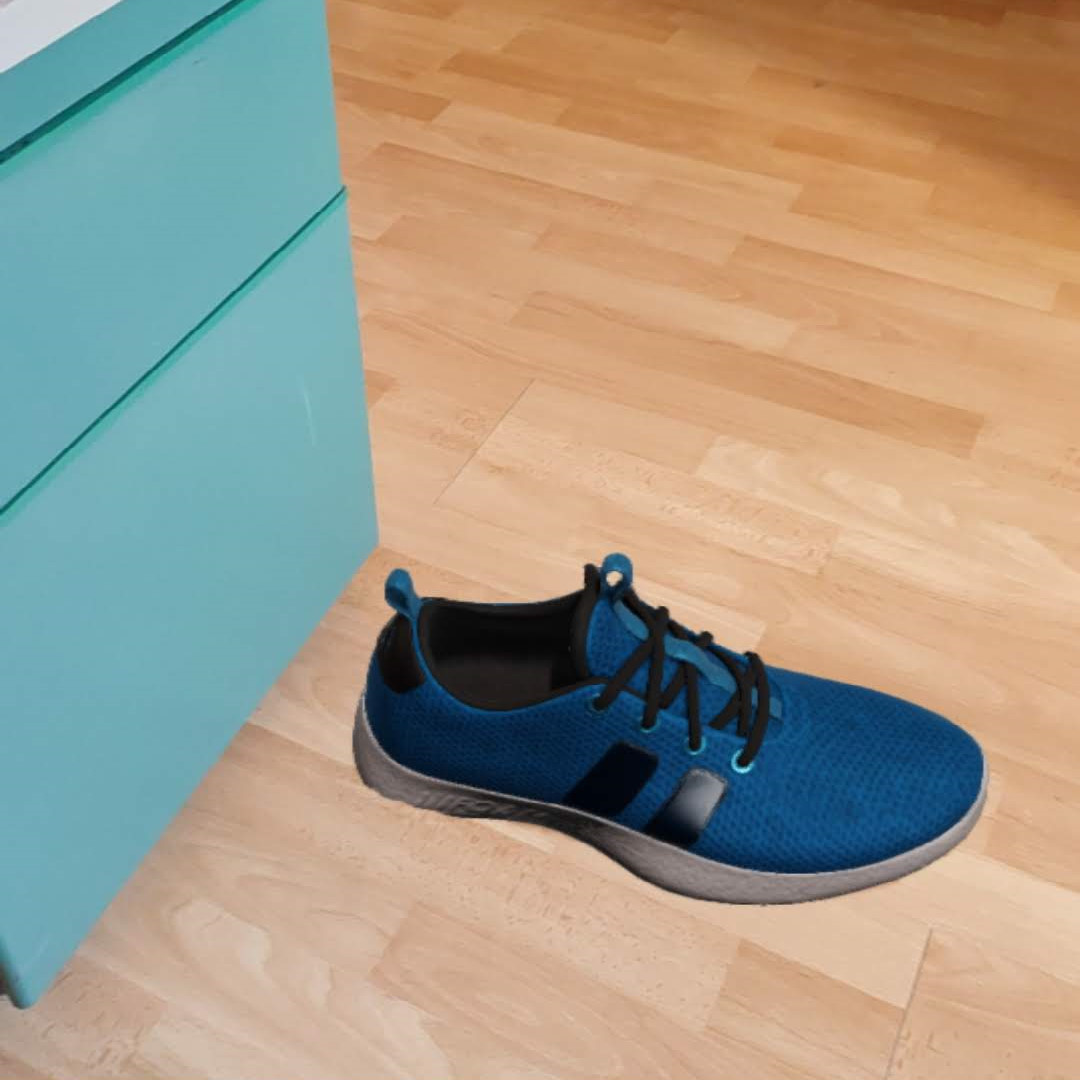
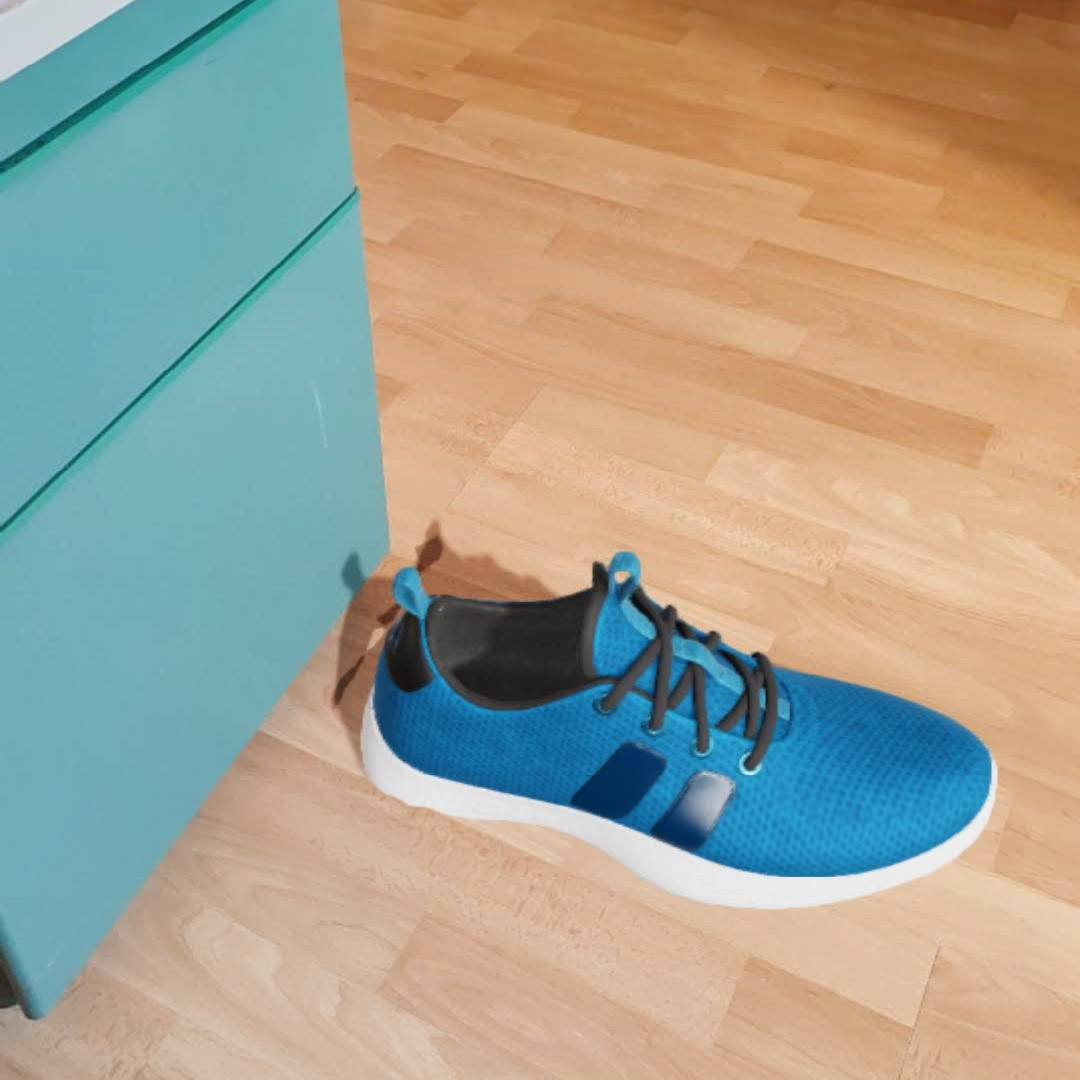
Enables ambient light estimation (see below) | No |
manageDepth |
bool |
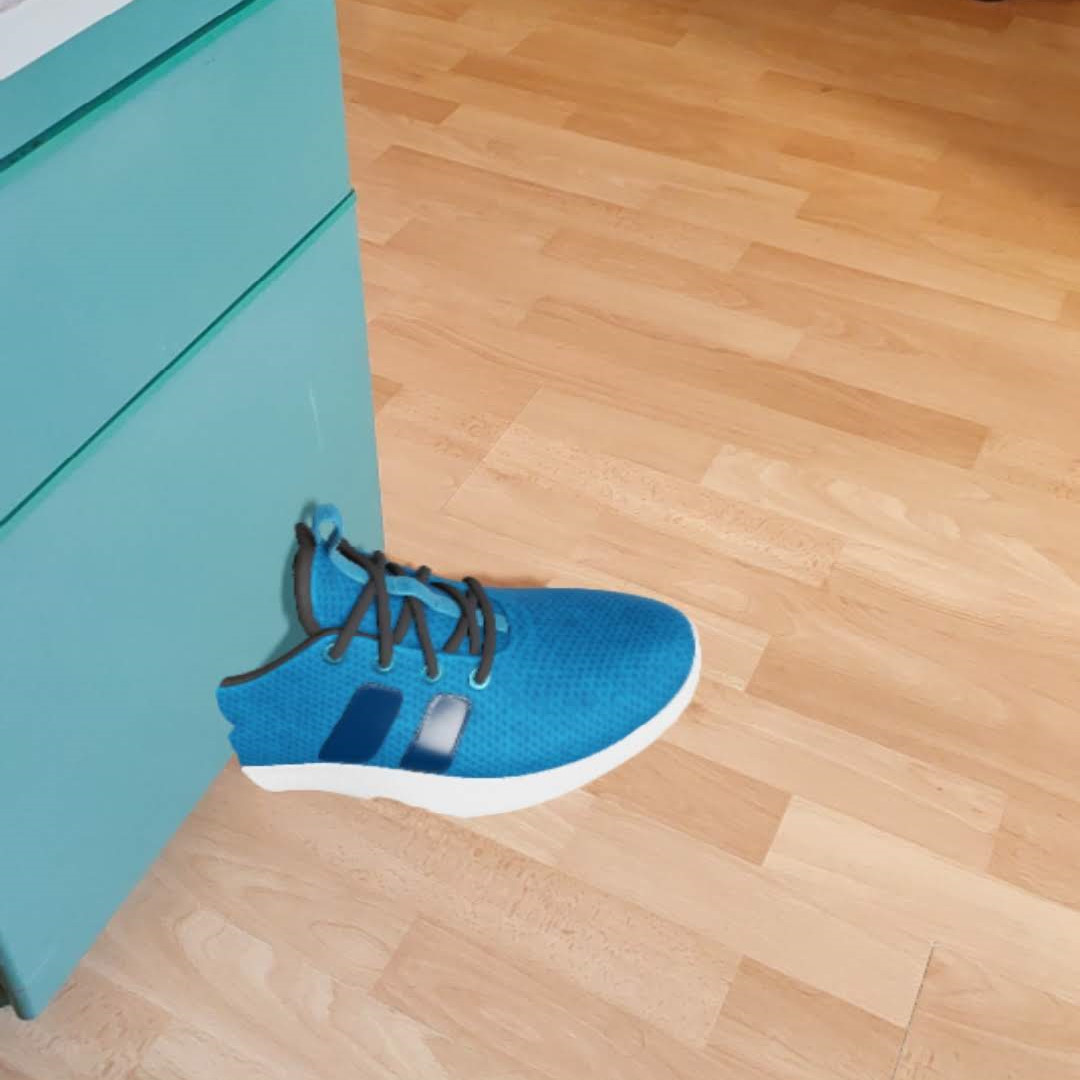
Enables depth estimation and occlusion on supported devices (see below) | No |
allowRotate |
bool |
Allows to rotate model | No |
allowScale |
bool |
Allows to scale model | No |
allowTranslate |
bool |
Allows to translate model | No |
disableInstructions |
bool |
Disables instructions view | No |
disableInstantPlacement |
bool |
Disables placement on load | No |
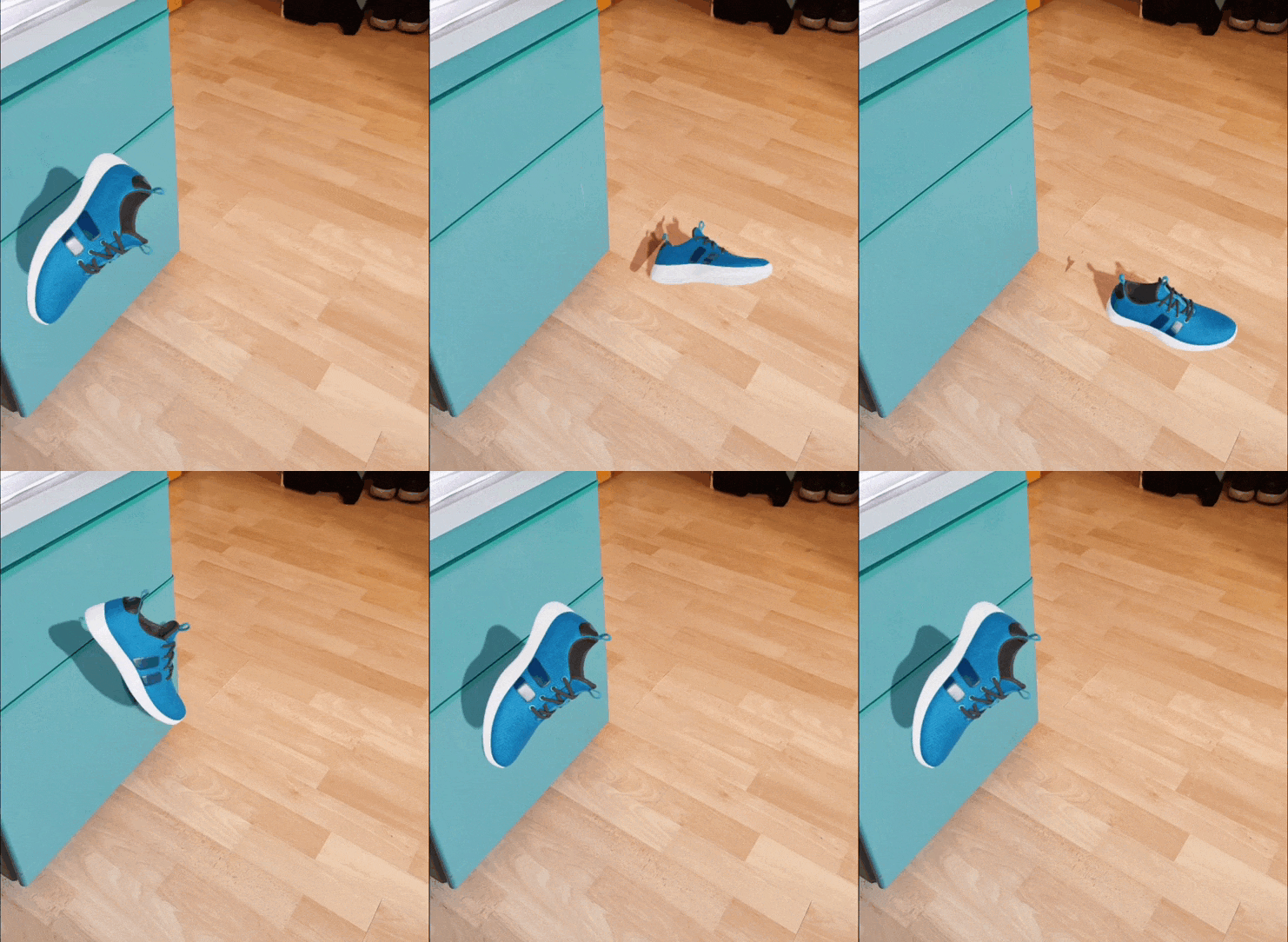
planeOrientation |
"horizontal", "vertical", "both" or "none" |
Sets plane orientation (default: both) |
No |
| With | Without |
|---|---|
 |
 |
| With | Without |
|---|---|
 |
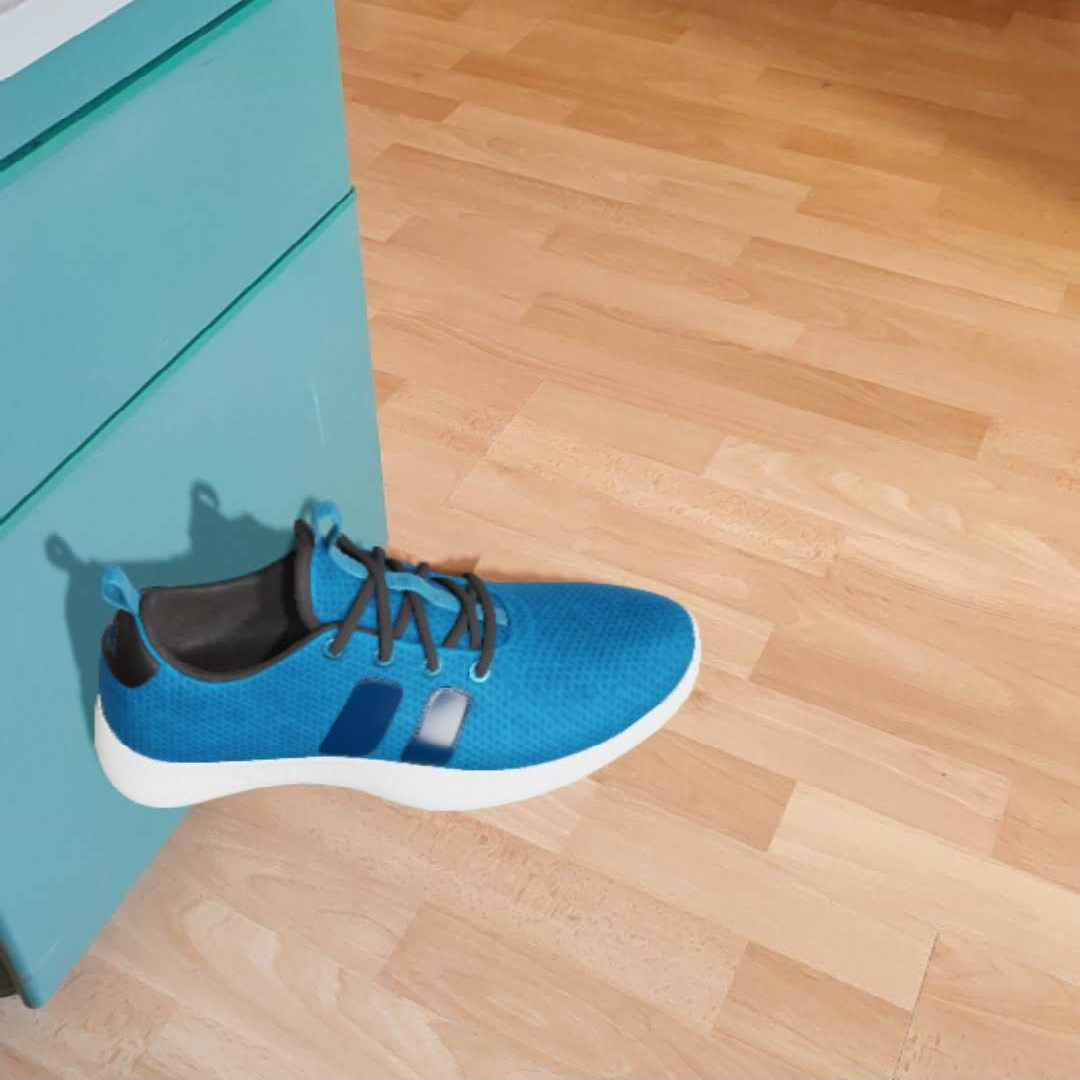 |
| allowRotate | allowScale | planeOrientation: both |
|---|---|---|
 |
 |
 |
| Prop | Parameter | Description |
|---|---|---|
onStarted |
none |
Triggers on AR session started |
onEnded |
none |
Triggers on AR session ended |
onModelPlaced |
none |
Triggers when model is placed |
onModelRemoved |
none |
Triggers when model is removed |
onError |
{ message: string } |
Triggers on any error and returns an object containing the error message (defaults to console.warn) |
Commands are sent using refs like the following example:
  // ...
  const ref = React.useRef<ArViewerView>(null);

  const reset = () => {
    ref.current?.reset();
  };

  return (
    <ArViewerView
      model={yourModel}
      ref={ref} />
  );
// ...| Command | Args | Return | Description |
|---|---|---|---|
reset() |
none |
void |
Removes model from plane |
rotate() |
pitch, yaw, roll |
void |
Manually rotates the model by the given angles in degrees |
takeScreenshot() |
none |
Promise<string> |
Takes a screenshot of the current view (camera + model) and returns a base64 jpeg string as a promise |
See the contributing guide to learn how to contribute to the repository and the development workflow.
MIT